See exactly where you stand, every single day.
Most study tools leave you guessing. SkillPlug turns everything your agent tracks into a prebuilt command center in your account: what is due, what you did, how your scores are moving, and what to fix next. Step 1 and Step 2 CK each come with their own, on their own or in the Step 1 + Step 2 Bundle, and Away Rotations comes with Residency Application, ready the moment your agent syncs.
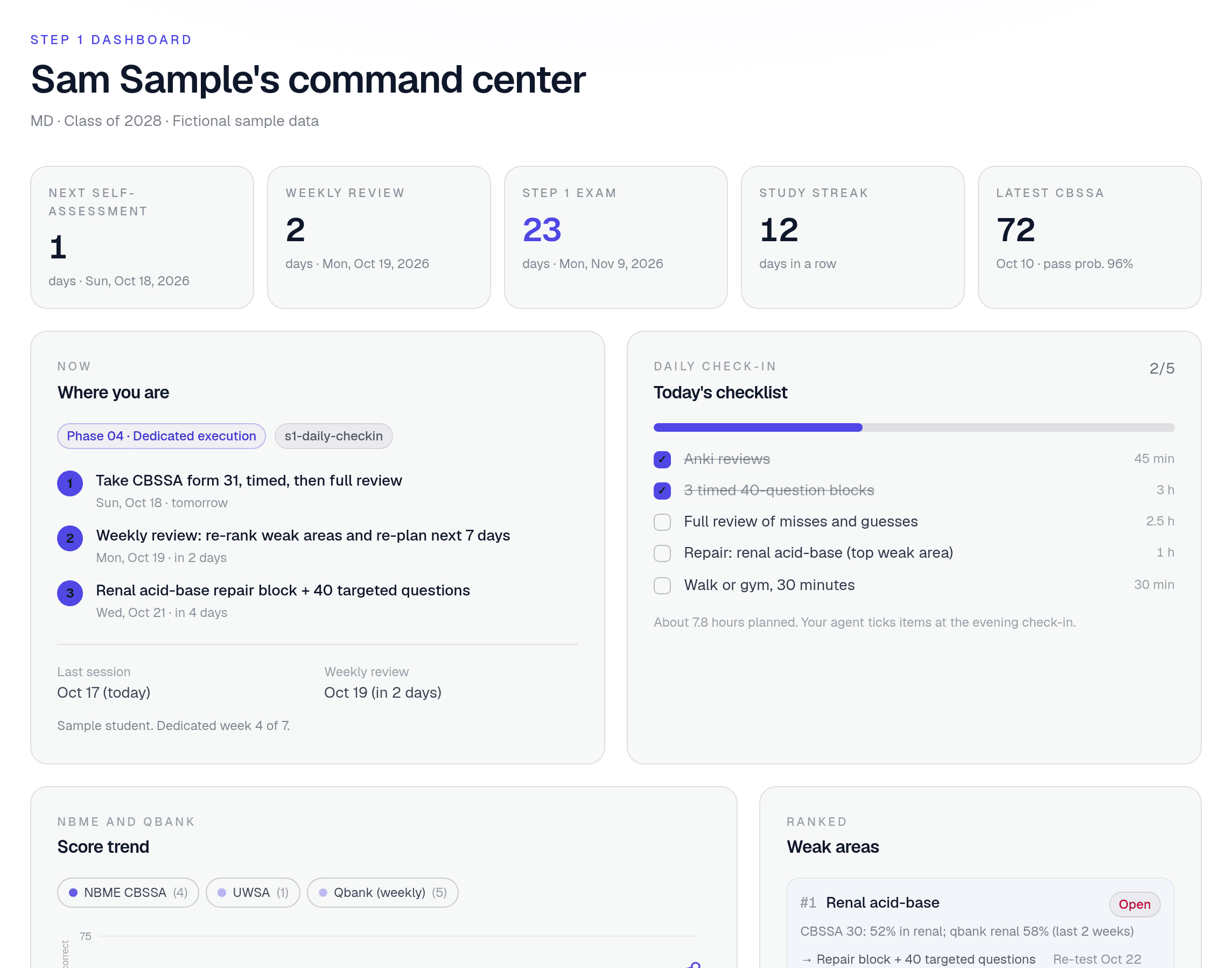
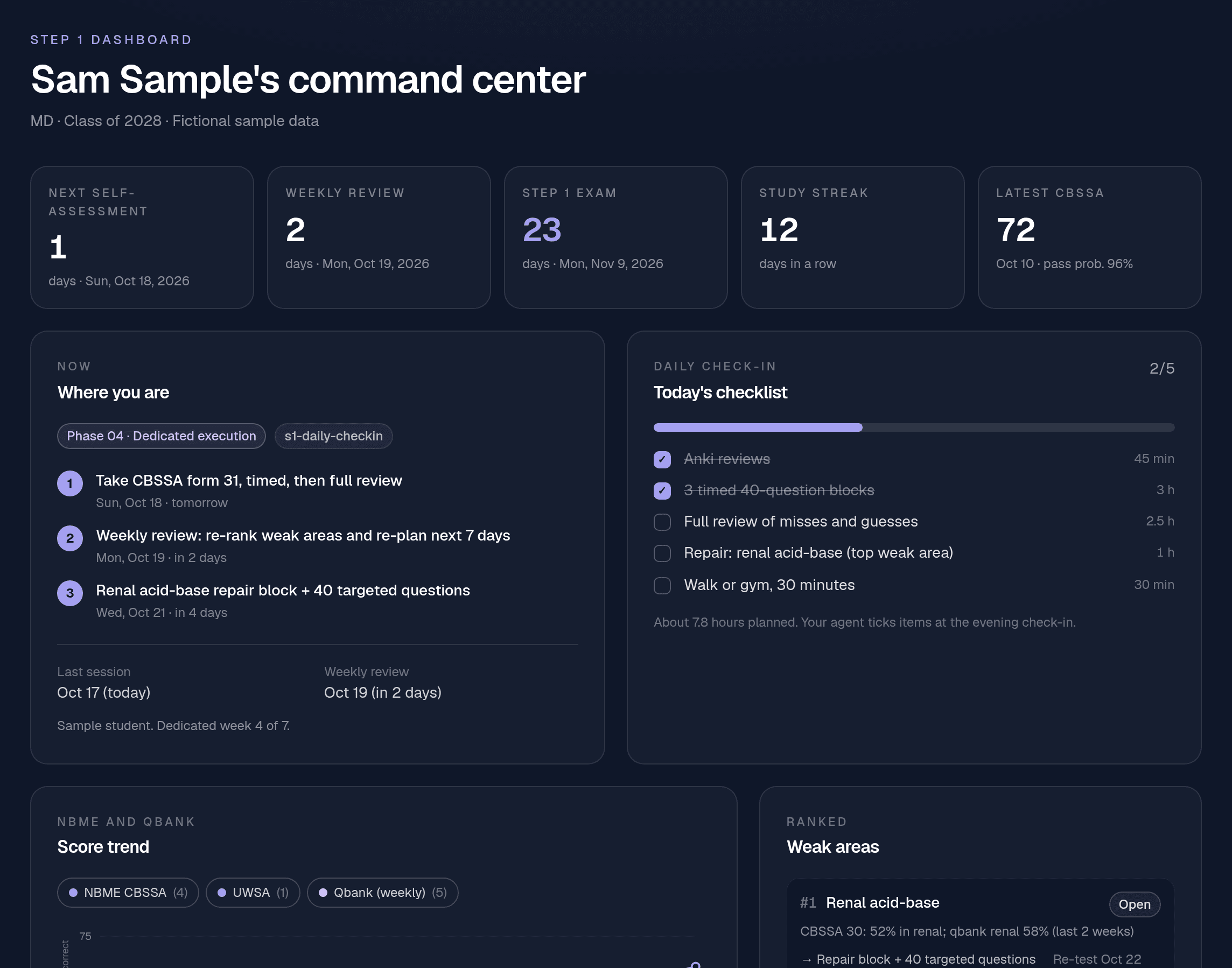
Real dashboard, fictional sample student. Every name and number is made up.
A dashboard for each part of the road
Step 1, Step 2 CK and Away Rotations each get their own view, built around the decisions you actually make in that phase.
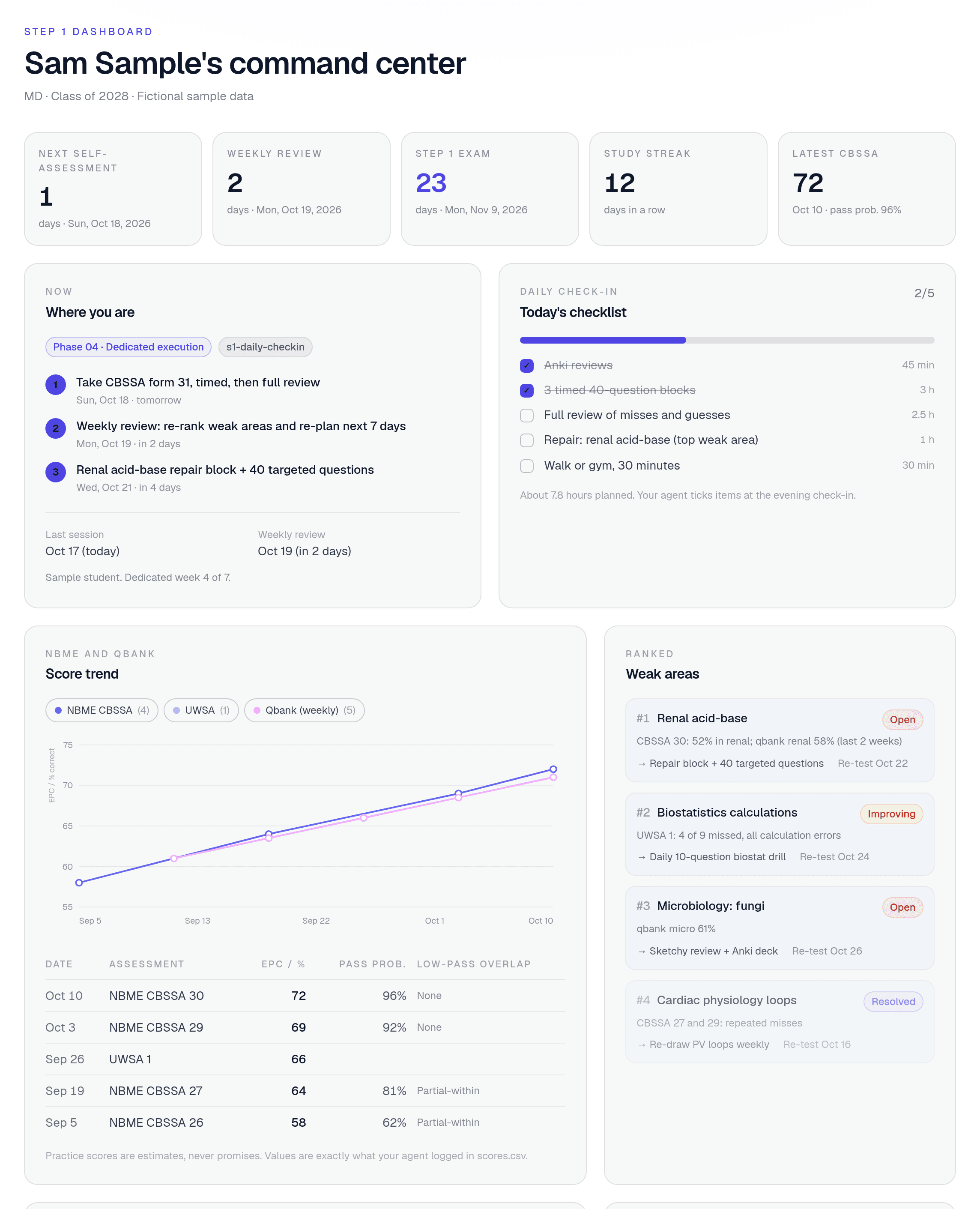
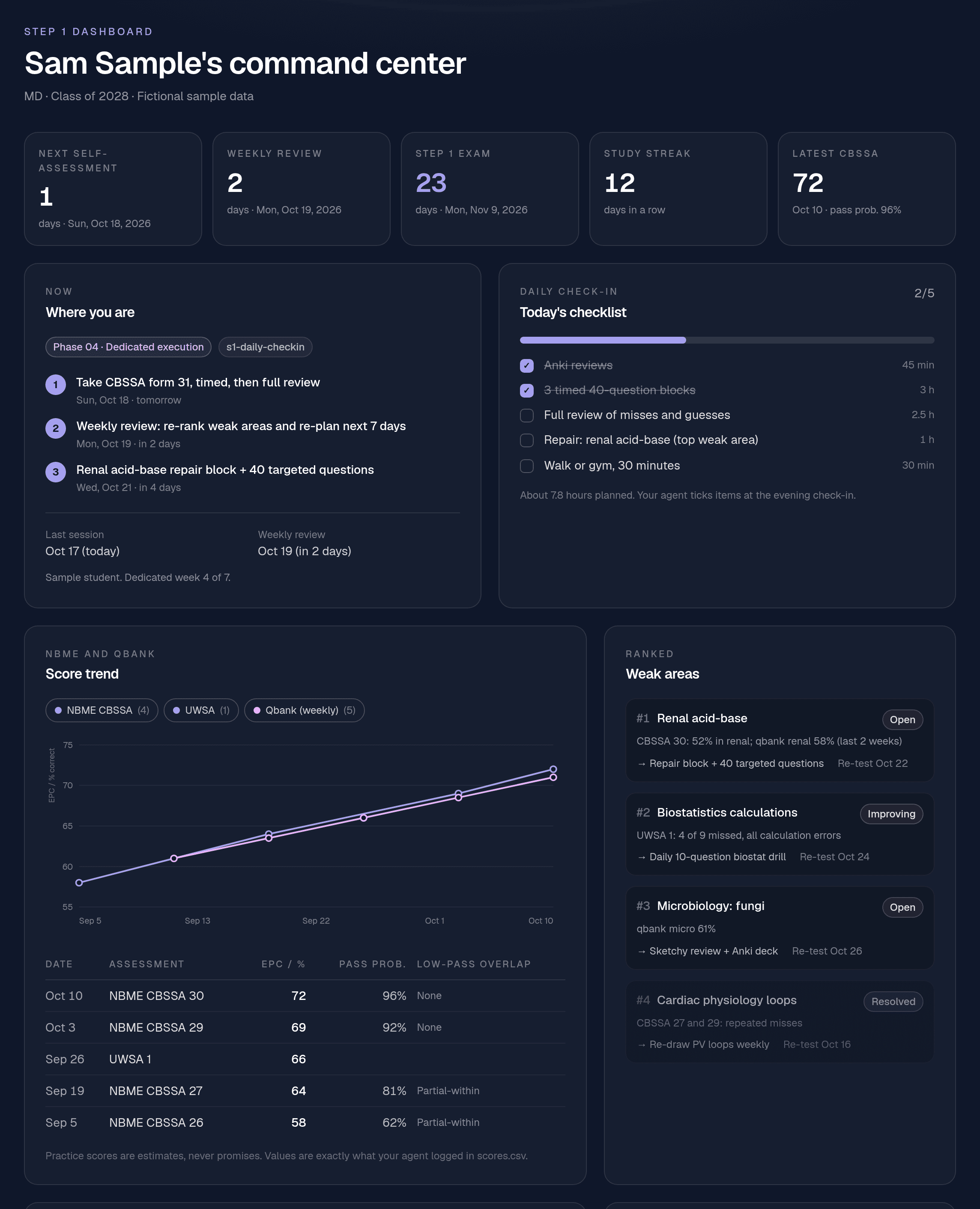
Step 1: dedicated, at a glance
Days to the exam and your next self-assessment, the phase you are in and your next three actions, today's checklist from the morning check-in, your NBME and qbank trend with pass probability, and a ranked list of weak areas with re-test dates. Comes with the Step 1 System.
- Countdowns
- Today's checklist
- Score trend
- Study log
- Weak areas
- Miss log
- Deadlines
- Tasks
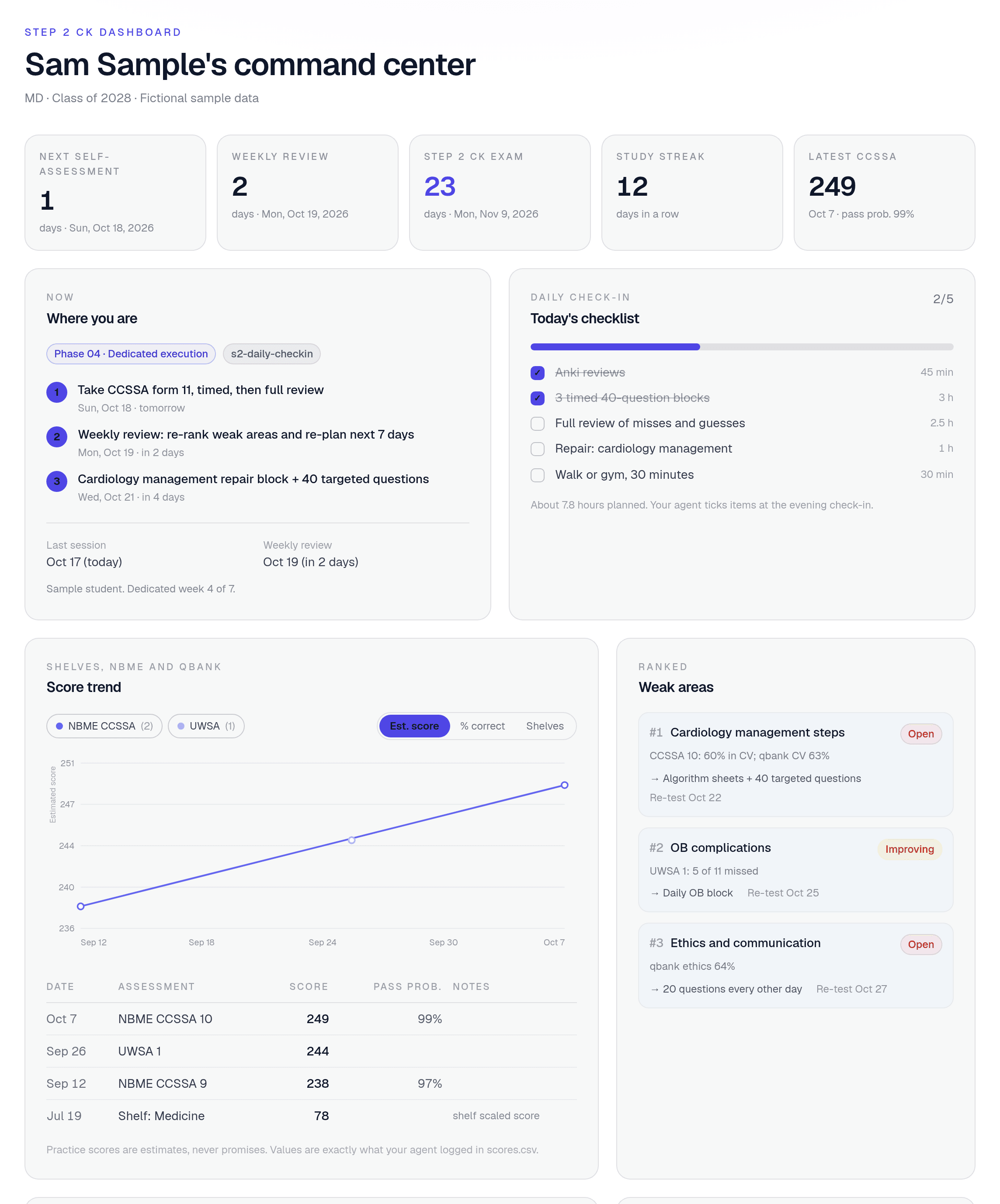
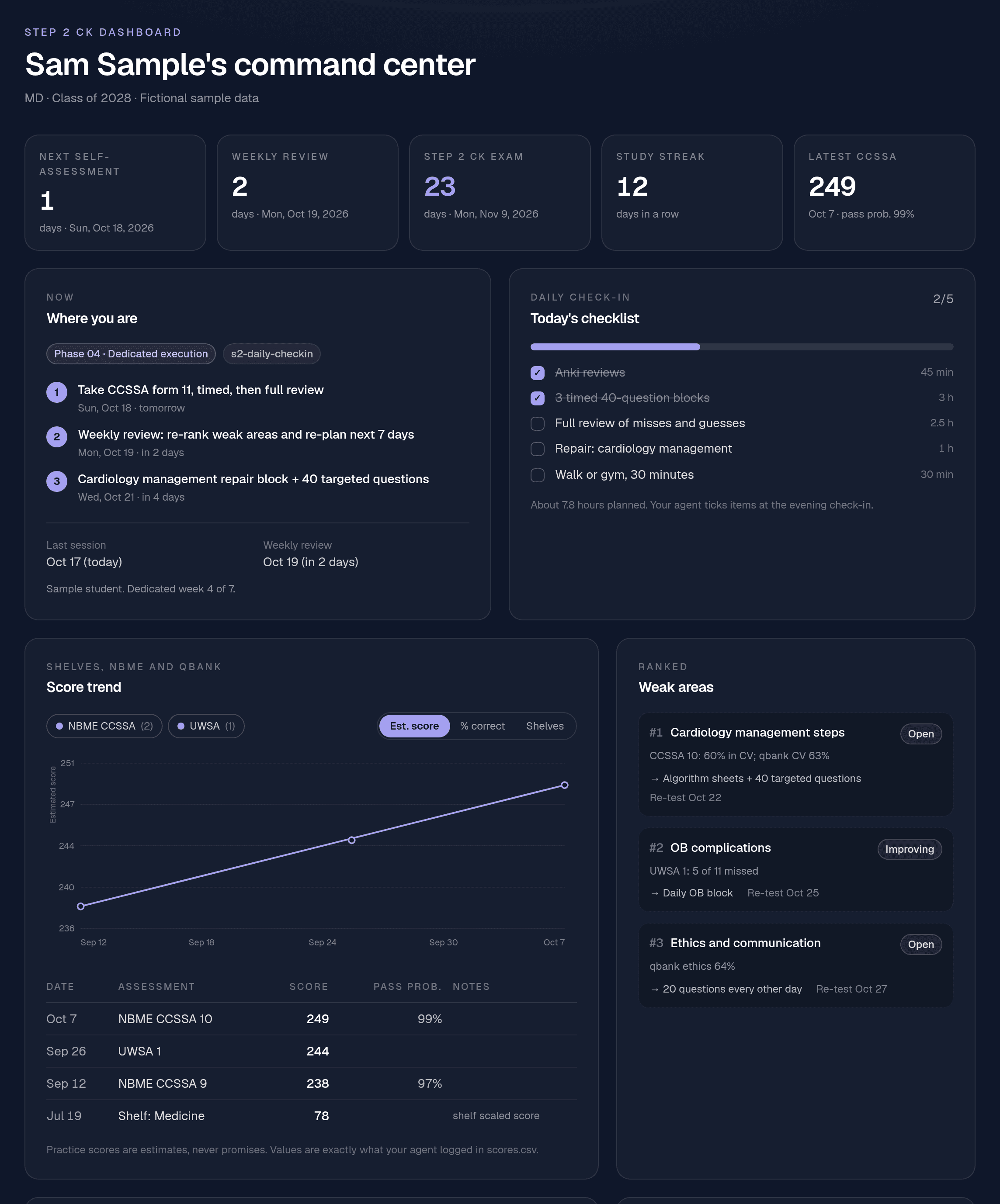
Step 2 CK: from shelves to score
Shelf scores, CCSSA and UWSA estimates on one trend line, the clinical topics costing you points, and the daily log that shows whether the plan survived a long rotation week. Comes with the Step 2 CK System.
- Countdowns
- Today's checklist
- Score trend
- Study log
- Weak areas
- Miss log
- Deadlines
- Tasks
Away Rotations: every application in one view
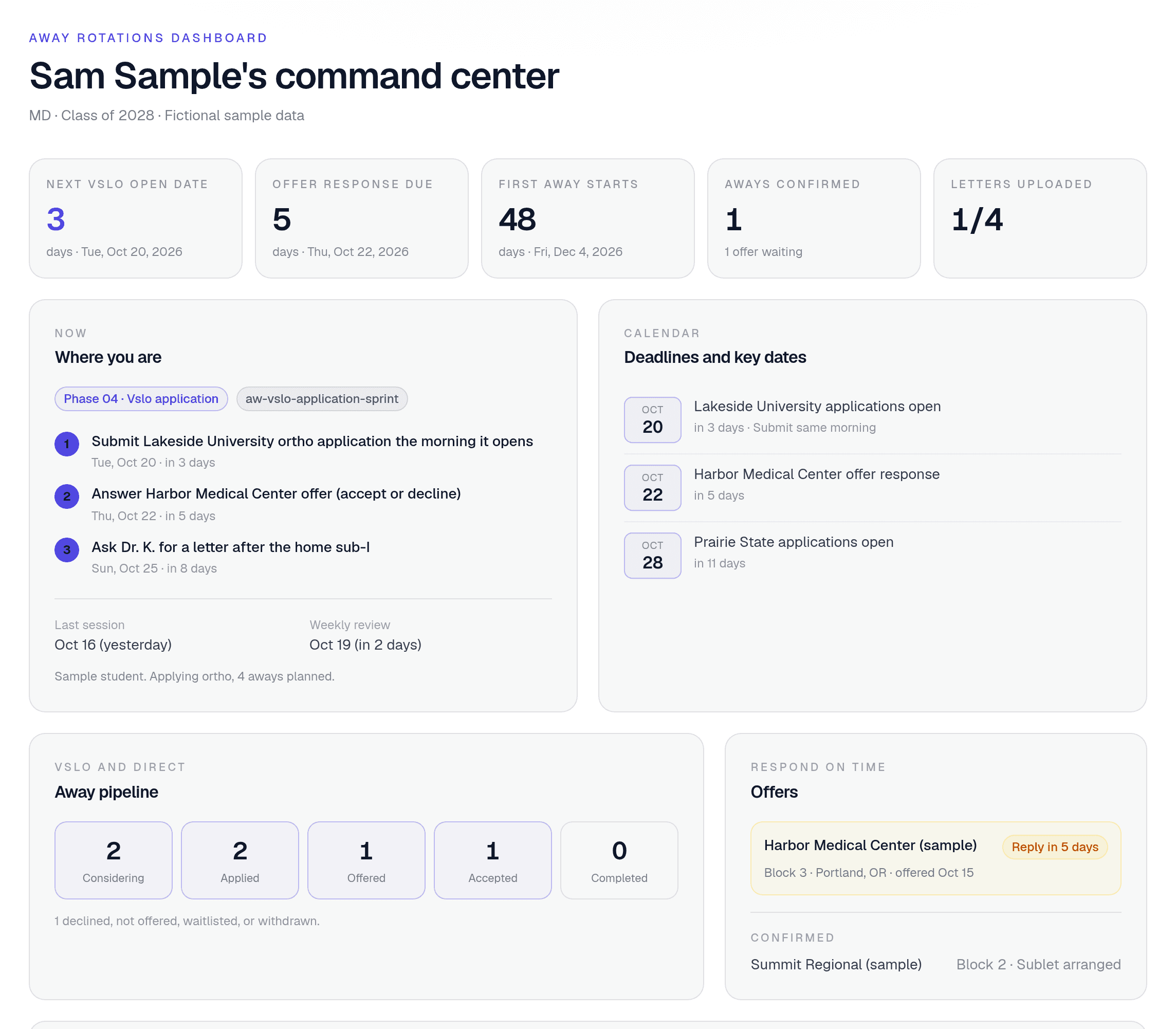
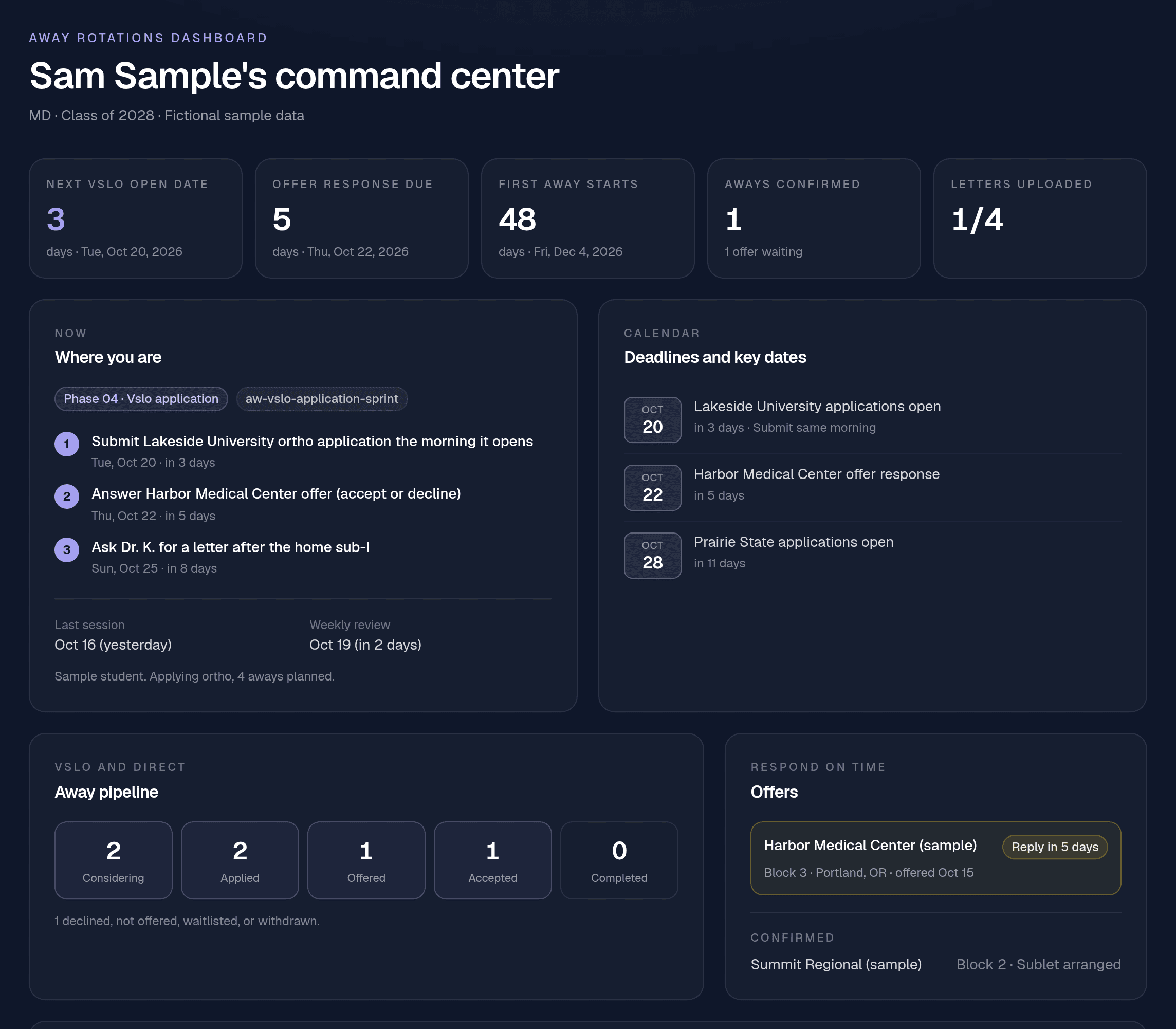
Your VSLO pipeline from considering to confirmed, offers with response deadlines, open dates coming up, who is writing your letters, and what the aways are costing you. Comes with the Residency Application.
- Pipeline
- Open dates
- Offers
- Applications
- Letters
- Budget
- Deadlines
- Tasks
Patterns you would never spot on your own
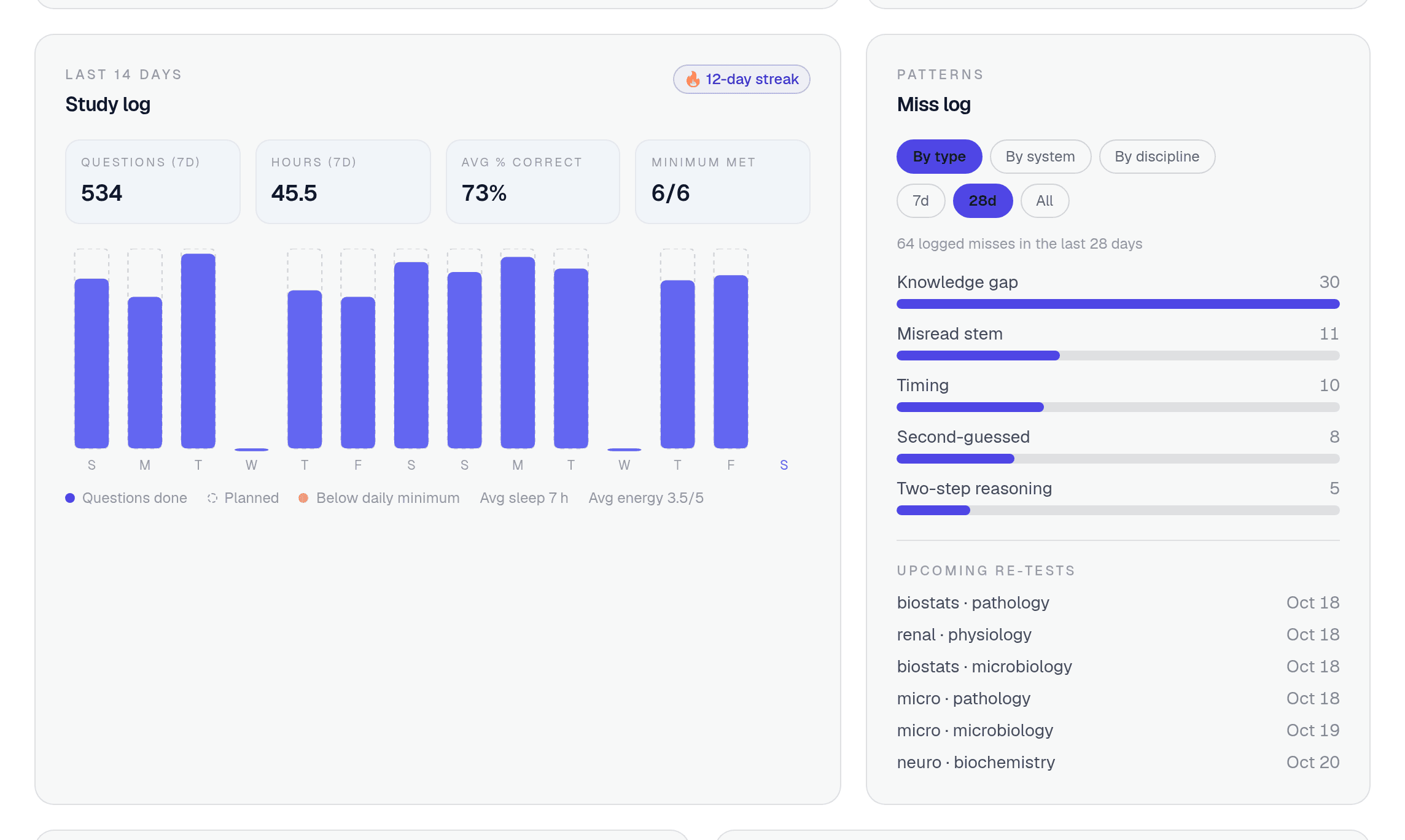
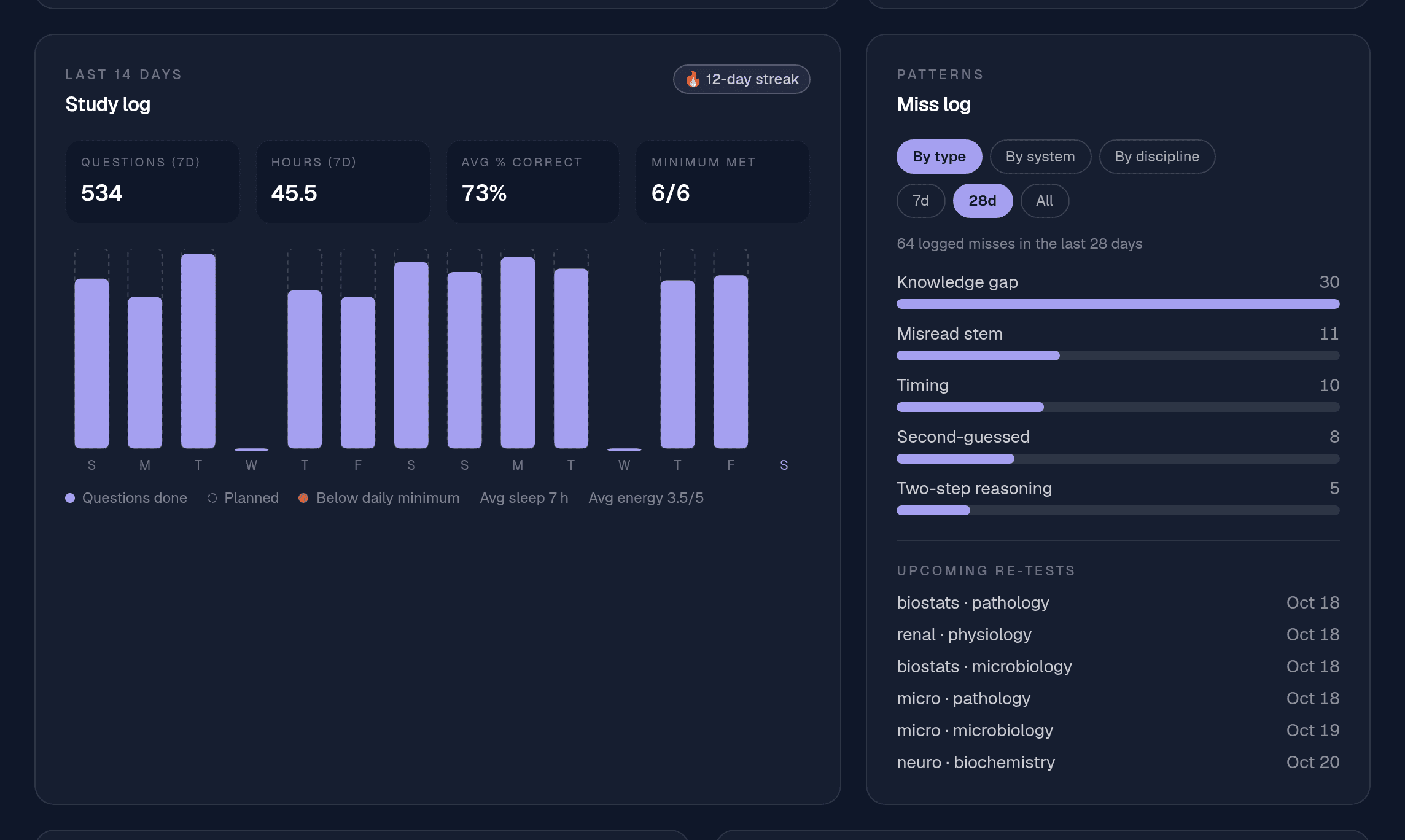
The study log shows hours, questions and percent correct day by day, with your streak and the days you hit your minimum. The miss log breaks every missed question down by type, system and discipline, so you can see that it is misread stems, not knowledge, that keeps costing you points.
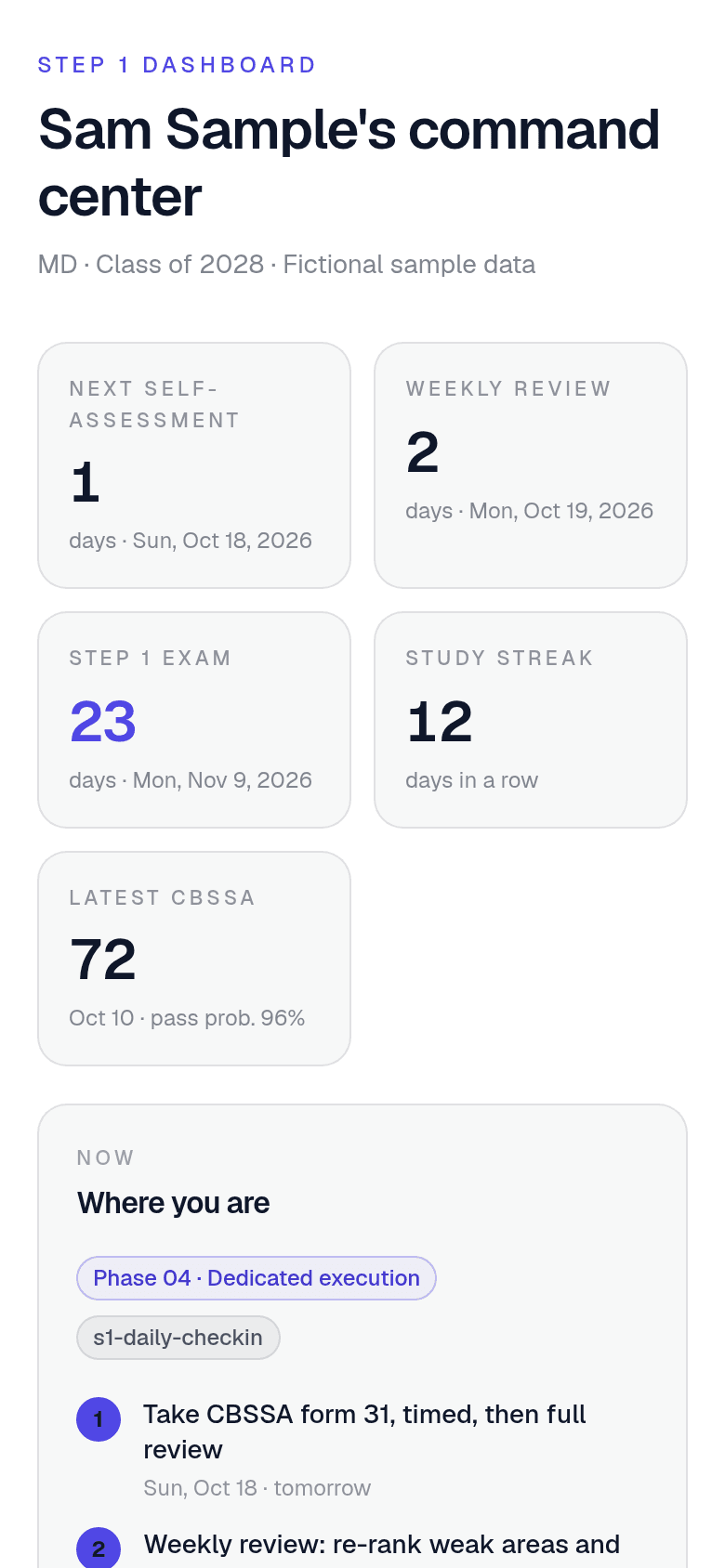
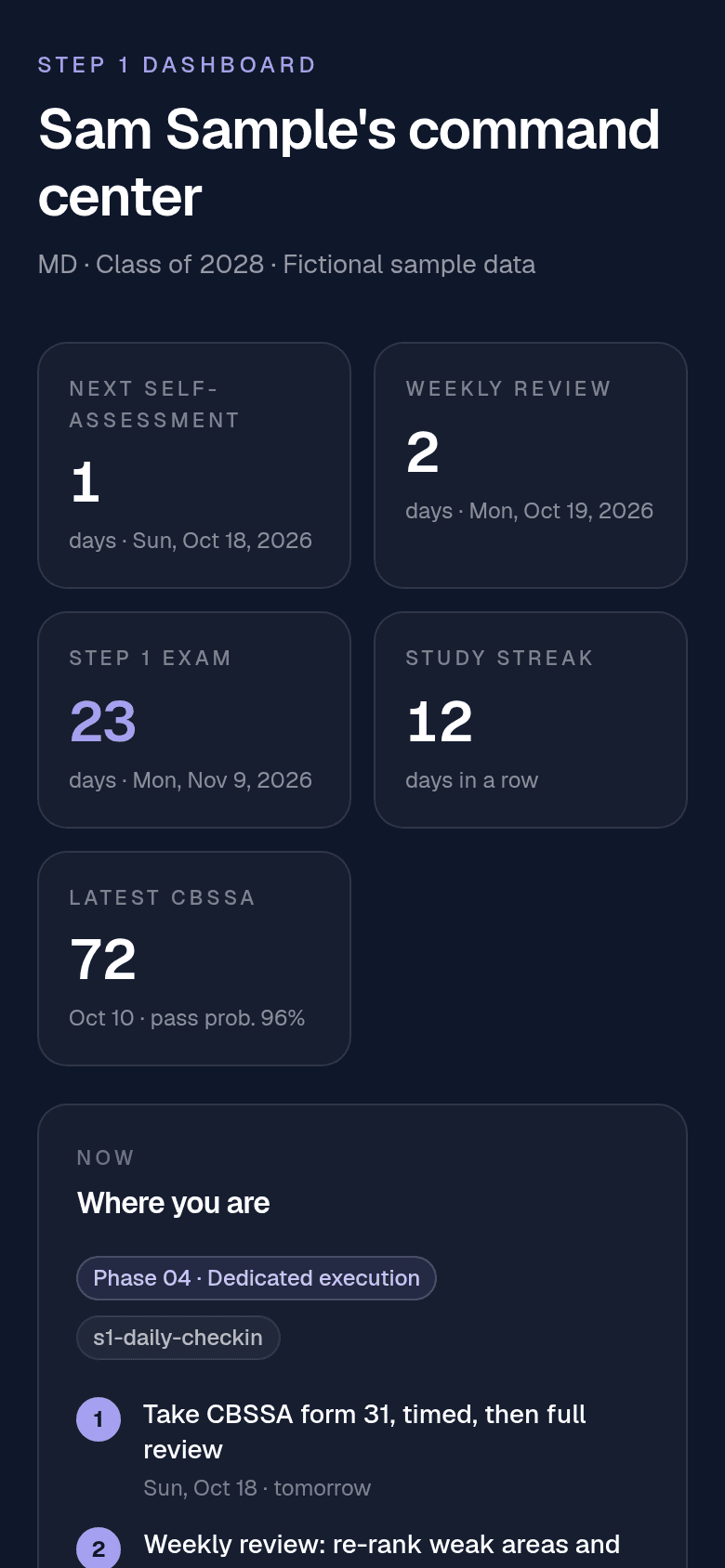
Built for your phone too, so you can check the plan between patients.
How it fills itself in
- 1
Buy and install
Get the Step 1 System, the Step 2 CK System, the Step 1 + Step 2 Bundle or Residency Application and connect the AI assistant you already use. The pack starts with a short intake and builds your plan.
- 2
Connect your AI
Open Connect your AI in your account, pick Claude, ChatGPT, Grok, or Gemini, sign in, and click Allow. No keys to copy.
- 3
Study like normal
Your agent sends a snapshot at the end of a session and after each weekly review. Say "sync my dashboard" any time to refresh it.
- 4
Check in from anywhere
Open skillplug.io on your laptop or phone and see exactly where you stand. No spreadsheets to keep up.
The prebuilt dashboard
Lives at skillplug.io under your account and works on any device. Sync is optional, private to you, and you can delete the synced data any time from the AI connections page in your account.
Your own local dashboard
Prefer nothing leaves your machine? Each pack's dashboard skill builds a private, single-file progress page from your own state files. It opens straight from disk, with no account and no network.
Your dashboard is never public, never sold and never mined. The files on your computer stay the source of truth.
Get the coach and the command center.
Step 1 and Step 2 CK, two separate systems plus their dashboards: $29 each, or both in the Step 1 + Step 2 Bundle for $39 one-time. Away Rotations comes with Residency Application.